Smartphone Filmmaker Pro · Founding Cohort · 12 to 25 October 2026
ALREADY CLOSED!
Film your next trip like a filmmaker. With just your phone.
14 days. A lesson and a task every day, live calls,
and a finished 60 to 90 second holiday film at the end.
iPhone or Android.
WATCH THIS:
The problem
Beautiful trips. Boring videos.
You film everything. The beach, the kids, that dinner where everyone laughed. But when you watch it back, it's shaky, flat and way too long, and it looks nothing like how it felt to be there.
So the clips stay on your phone. Or you make something twelve minutes long and watch the family tap away after thirty seconds.
It's not your phone and it's not talent. Nobody ever showed you how to plan, shoot and edit a film. That's what these 14 days fix.

What you'll learn
From phone to finished film
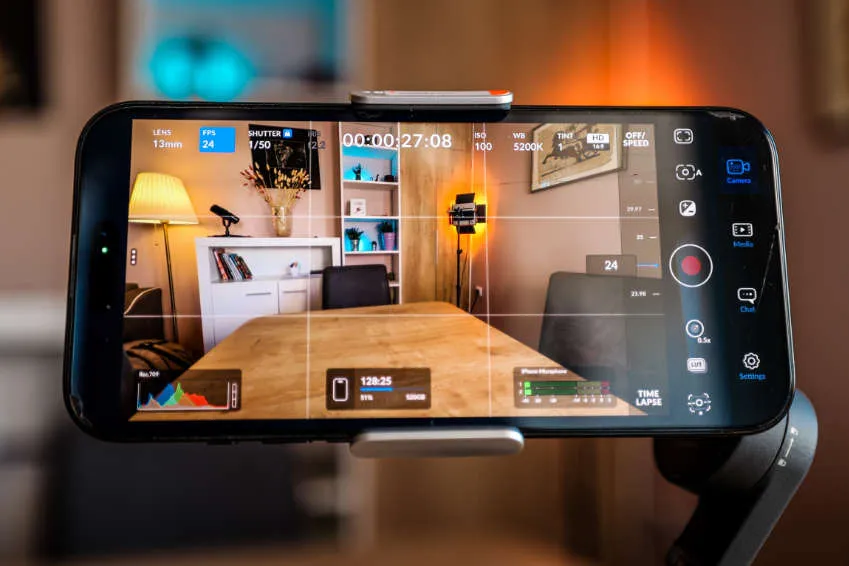
Days 1 to 2
Camera Setup
Set up the free Blackmagic Camera App and learn the settings that matter: frame rate, shutter, ISO, white balance and resolution.

Day 3
Story & Shot List
A simple holiday film formula, how to shoot for the edit, and a shot list you fill in before you leave.

Days 4 to 5
Composition & Angles
Rule of thirds, symmetry, depth and framing, plus the essential angles that turn random clips into a sequence.

Day 6
Cinematic Movement
Pan, tilt, dolly, truck and jib. Smooth shots with a gimbal or just your hands.

Days 7 to 8
Sound & Light
Clean audio with or without a mic, and how to use window light, shade and golden hour without any lighting gear.

Days 9 to 13
Shoot & Edit
Shoot your film, then edit it in InShot: pick your best clips, cut to music, add titles, sound and color, and export.
The 14 days Start DATE
Monday 12th OCT 2026
One lesson. One task. Every day.
Days 0 to 3 · Set up and planYour camera app, exposure, and a shot list before you film anything
- Day 0Welcome and how to get the most out of the program.Task: Introduce yourself in the community.
- Day 1Blackmagic Camera App setup: frame rate, shutter, resolution.Live call · KickoffTask: Post a 10 second test clip.
- Day 2Exposure: ISO, shutter and white balance.Task: The same shot indoors and outdoors.
- Day 3Storytelling: the holiday film formula, shooting for the edit, your shot list.Task: Write your shot list.
Days 4 to 6 · Shots that look intentionalComposition, angles and movement
- Day 4Composition: thirds, symmetry, depth, framing, purpose.Live callTask: 5 clips, one for each rule.
- Day 5The essential angles: wide, medium, close up, POV, cutaway.Task: Film one scene in 5 angles.
- Day 6Camera movements: pan, tilt, dolly, truck, jib.Task: 5 movement clips.
Days 7 to 8 · Sound and lightClean audio and good light without extra gear
- Day 7Audio: better sound, mic setup, natural sound.Task: One clip with clean audio.
- Day 8Light without gear: window light, golden hour, shade.Live call · Clip reviewTask: The same shot in 3 kinds of light.
Days 9 to 10 · Shoot your filmEverything comes together
- Days 9 to 10Shoot your film.Task: Film it with your shot list.
Days 11 to 14 · Edit and premiereFrom a pile of clips to a finished film, in InShot
- Day 11Edit part 1: pick your keepers, rough cut to music.Live call · Editing Q&ATask: Post your rough cut.
- Day 12Edit part 2: titles, sound effects, color, templates.Task: Finish your edit.
- Day 13Export and the 10 most common mistakes.Task: Submit your film.
- Day 14Film premiere.Live call · Film review
How it works
Learn, do, get feedback
Every day
Daily lessons
Short video lessons unlock one day at a time, so you never feel overwhelmed and always know what to do next.
Every day
Daily tasks
Every lesson ends with a small task. You post your result in the community and see what everyone else made.
Days 1, 4, 8, 11 and 14
WEEKLY live calls
Kickoff, editing Q&A, and also a final 1on1 call where I review your finished film and tell you what to fix.
And that's not all
Included bonuses

Bonus
Cohort Community
Everyone starts the same day and finishes together. Share your tasks, get feedback, stay accountable.

Bonus
Gear Guide
Gimbals, lenses, mics and lights that are worth it, plus where to edit: phone, iPad or computer.

Bonus
Home Lighting on a $150 Budget
The three point setup for Reels, YouTube and talking head videos at home.
Bonus
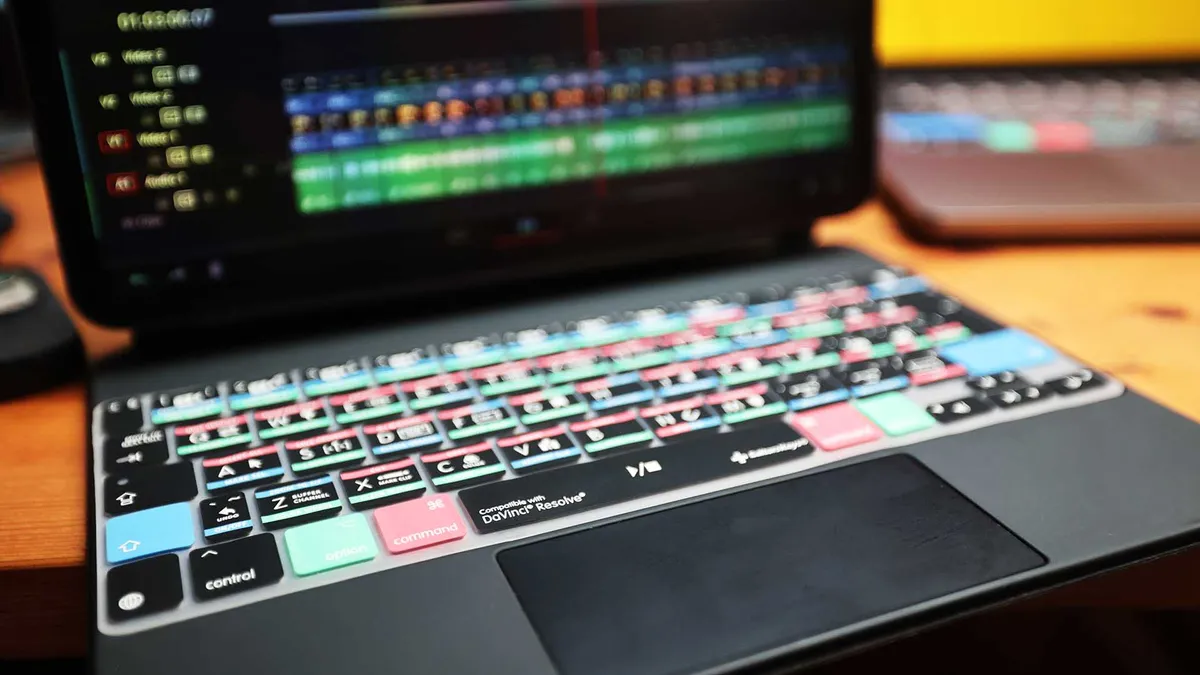
Next Level: DaVinci Resolve
Ready for more? Take your film further in DaVinci Resolve on iPad or desktop.
Your teacher
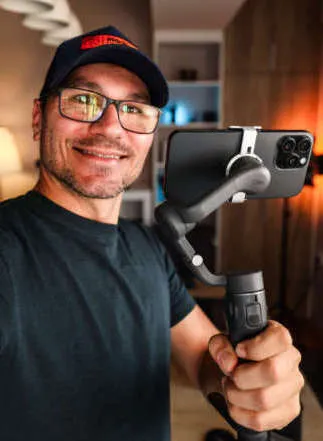
Daniel Kovacs
I've been making travel films for ten years, and I teach video editing to hundreds of students through my DaVinci Resolve courses and to thousands more on YouTube. I've lived on the road since 2015, and almost everything I film now starts on a phone.
This cohort is everything I wish someone had shown me before my first holiday edit.
10 years filming · 19K YouTube subs · 400+ students
Is this for you?
Be honest
This is for you if
- You film a lot on your phone but never turn it into anything
- You want a holiday video your family actually wants to rewatch
- You're a beginner and want a clear path, step by step
- You have an iPhone or an Android phone
Not for you if
- You want to learn a big cinema camera or DSLR
- You don't have 30 minutes a day for 14 days
- You just want to watch videos and never do the tasks
- You need the course in a language other than English
Sounds like you? Join the founding round below.
Founding round · 12 to 25 October
first cohort ALREADY BOOKED OUT! NO SPOTS LEFT!
Smartphone Filmmaker Pro
Founding member price. Small group, limited spots.
- 14 daily lessons and tasks
- 4 live calls with me, including a personal film review
- Story formula and shot list templates
- Cohort community
- Honest Gear Guide
- Home Lighting on a $150 Budget
- Next Level: DaVinci Resolve
- Lifetime access to every lesson and all future updates
The first cohort is already booked out. There where only 10 spots available.
The Finished Video Guarantee
Finish your video in 14 days, or join the next cohort for free.
If you don't finish one 60 to 90 second video, contact me and we will find a solution together. You also keep lifetime access to all of the course material.
ONE MORE THING...
ONLY FOUNDING MEMBER'S GET
As a Founding Member, you get all three of my editing MasterClasses for free. That's $700 worth of courses, and this bonus is only available for this first cohort.
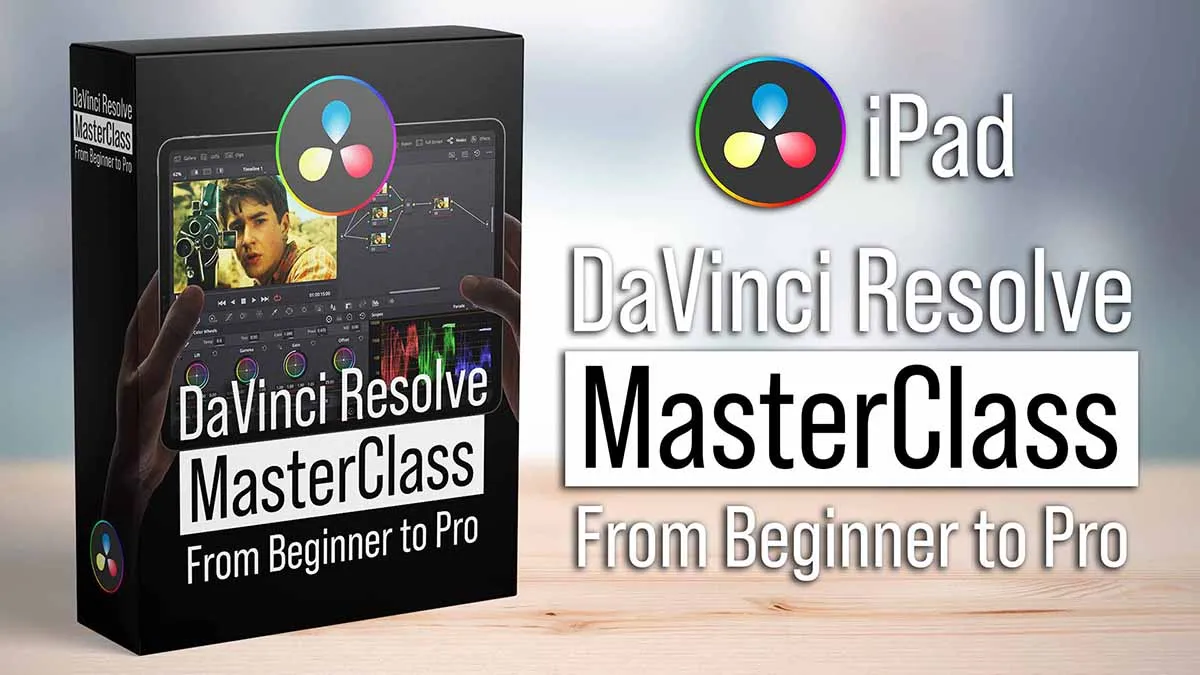
$247 (Included IN COHORT)
DaVinci Resolve iPad MasterCLass
Turn your smartphone footage into finished videos on the iPad, from your first cut to color grading and export.
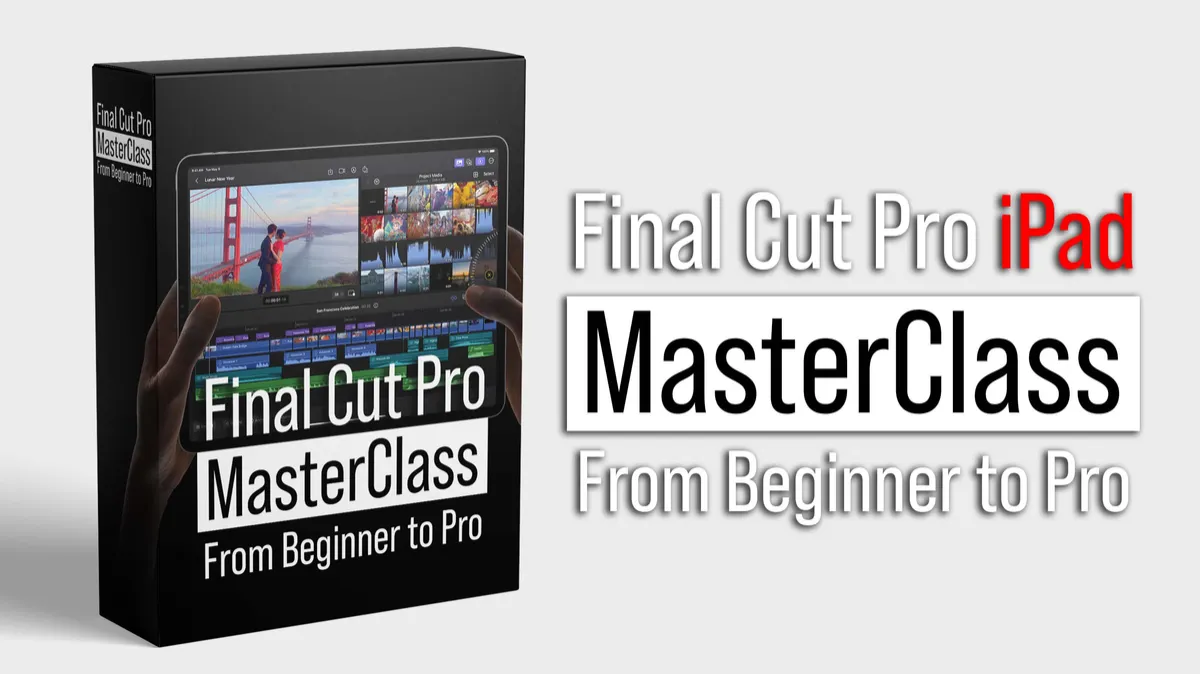
$297 (Included IN COHORT)
Final CUt Pro iPad MasterClass
Prefer Final Cut Pro? Learn the complete editing workflow on the iPad, from beginner to pro.
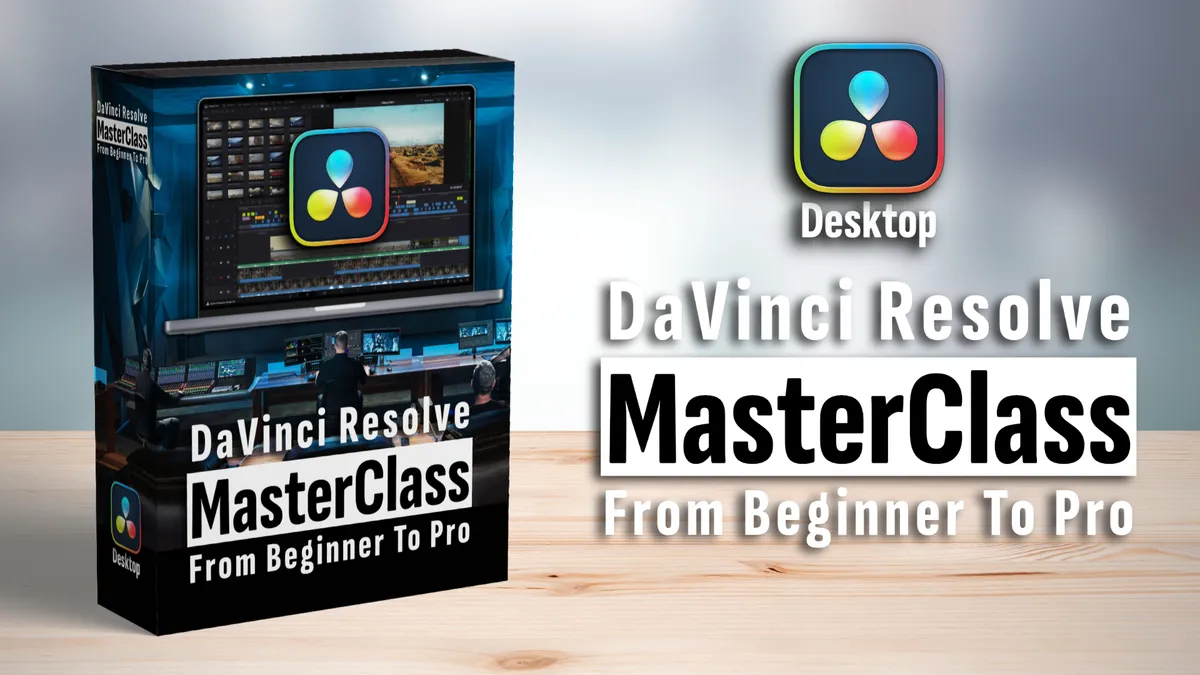
$147 (Included IN COHORT)
DaVInci Resolve DESKTOP Masterclass
Ready for the big screen? Learn the full DaVinci Resolve workflow on your Mac or PC.
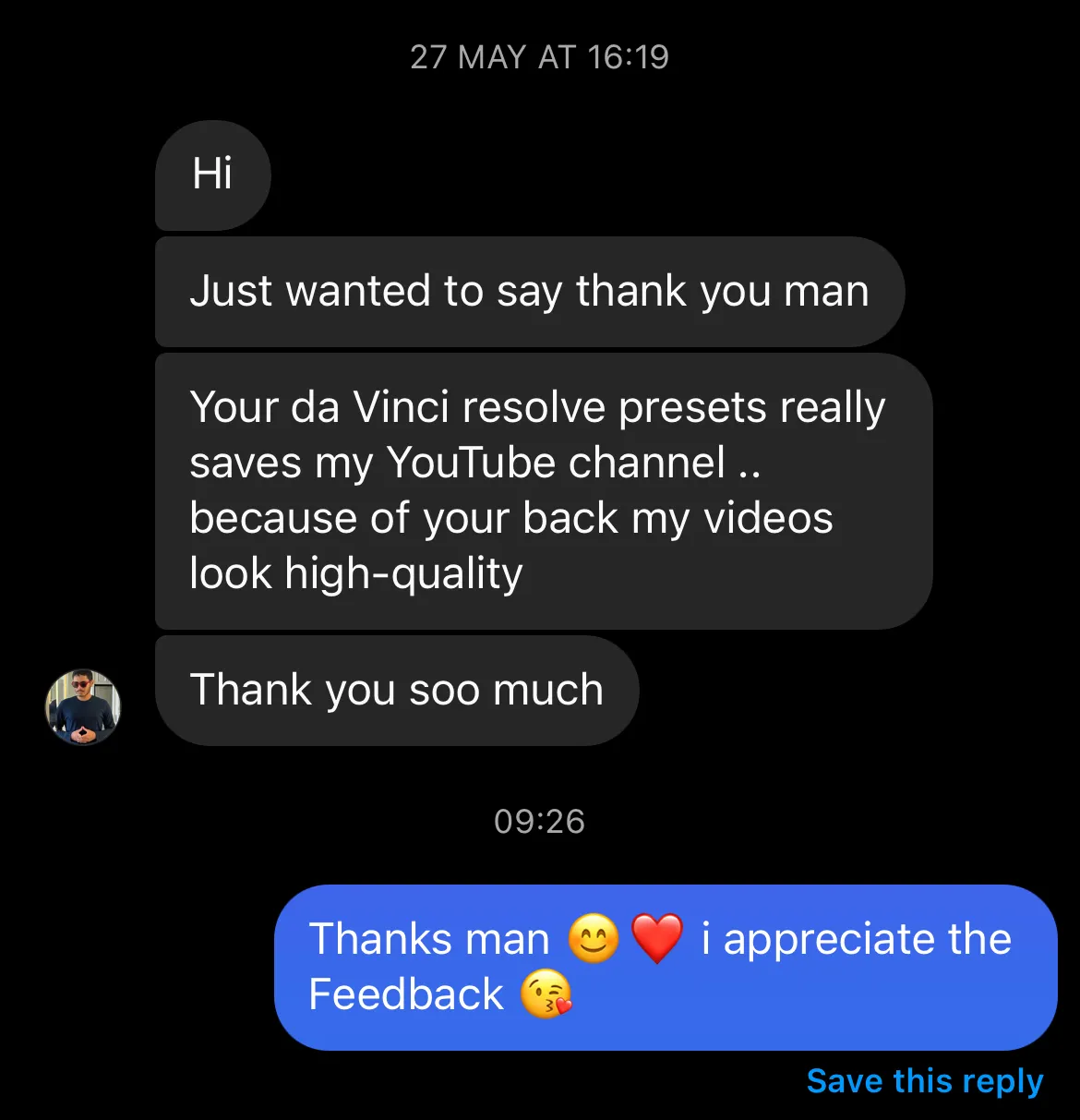
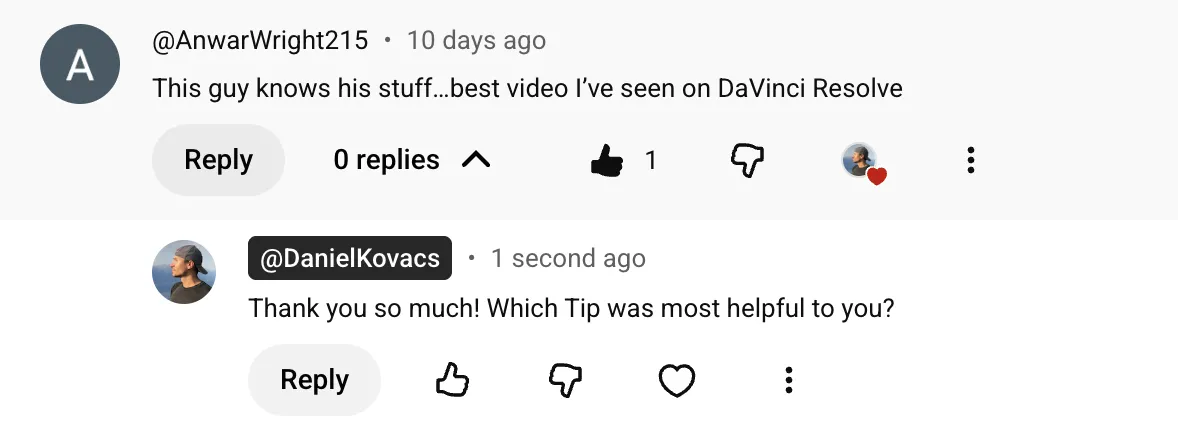
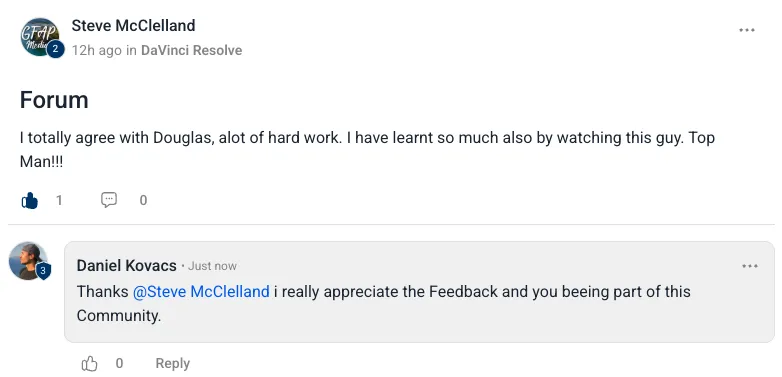
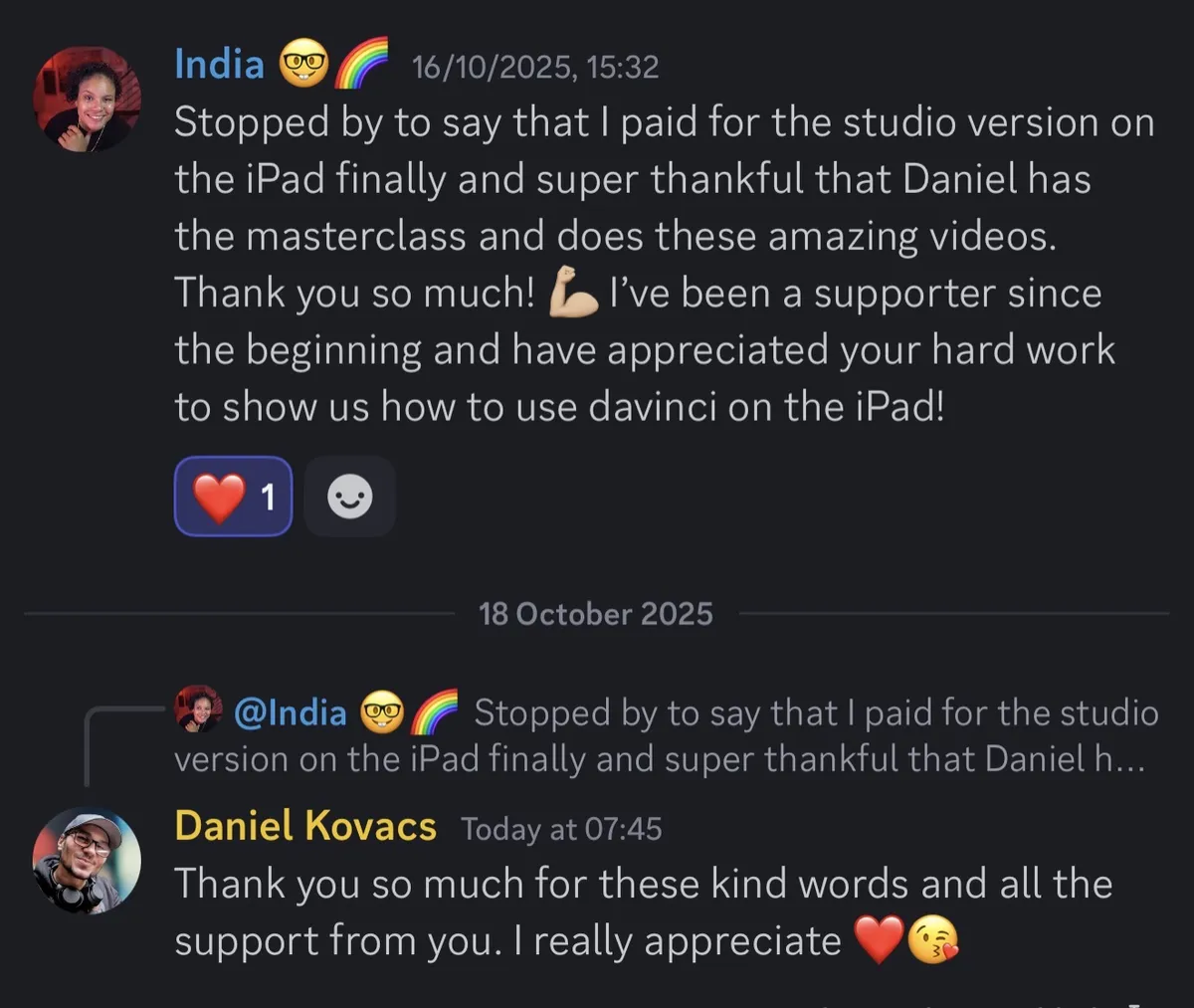
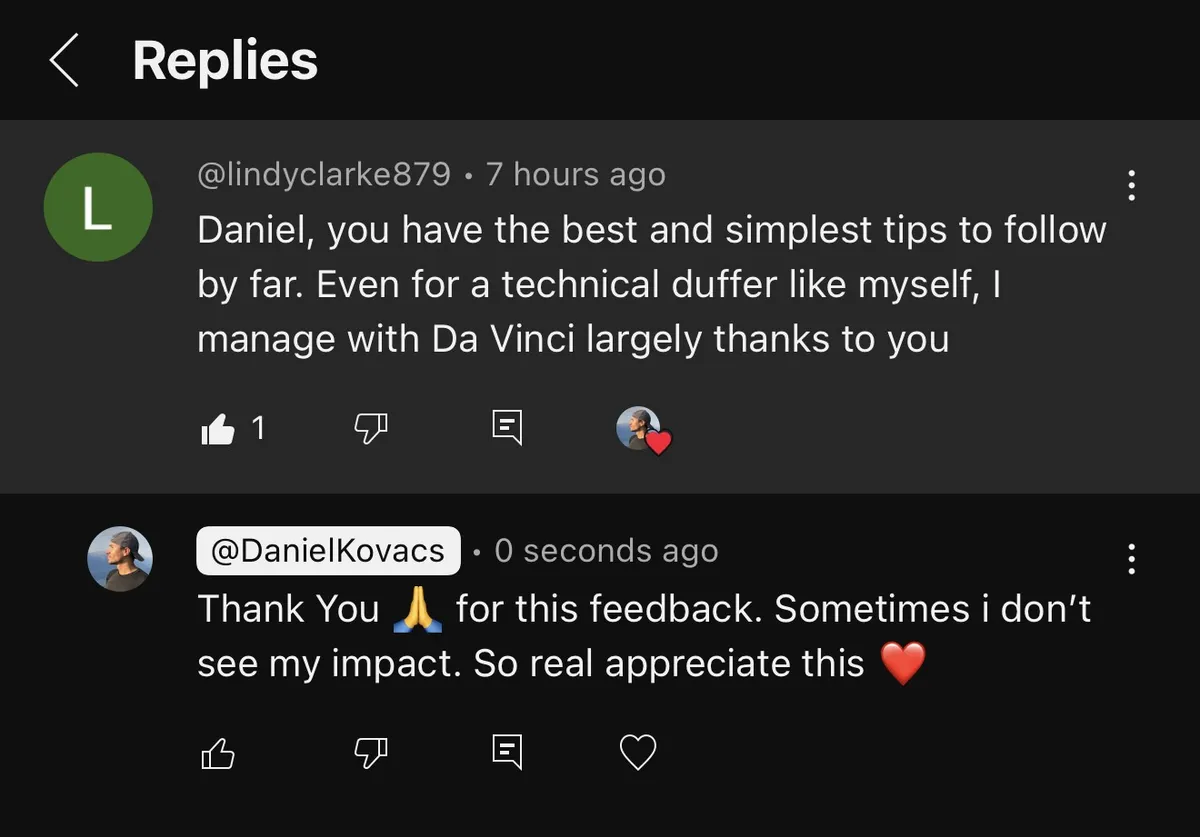
WHAT OTHERS SAY
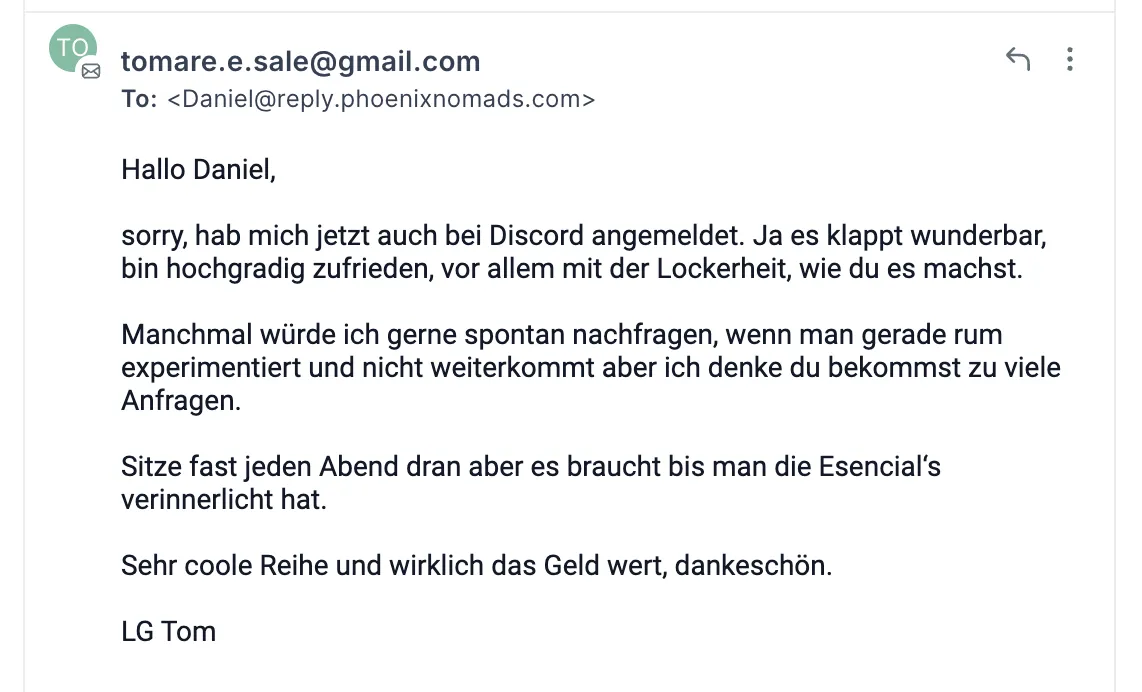
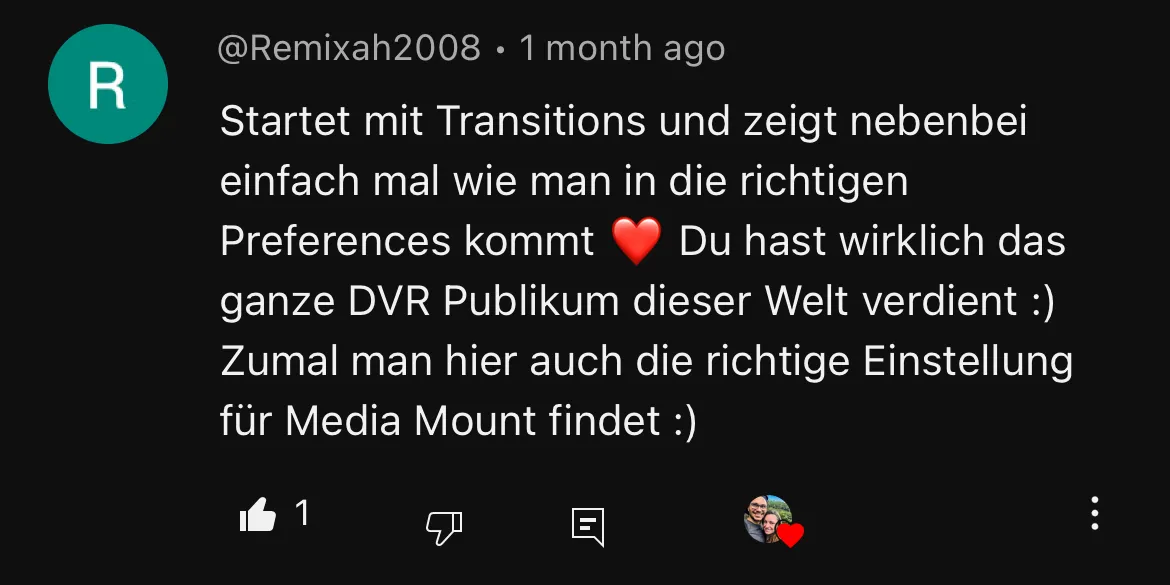
TESTIMONIALS



Questions
FAQ
When does it start?
The founding cohort runs from 12 to 25 October. Everyone starts on the same day.
Do I need an iPhone?
No. Everything works on iPhone and Android. We use the Blackmagic Camera App, which is free on both.
Do I need to buy any gear?
No. Your phone is enough. The gear guide shows you what's worth buying later if you want to upgrade.
How much time do I need each day?
Plan about 30 minutes a day for the lesson and the task. The shoot days take a bit longer.
Which app do we edit in?
InShot, which is easy and works on any phone. If you want to go further, the DaVinci Resolve bonus shows you the next step.
What if I fall behind?
You keep lifetime access to every lesson, so you can catch up any time. The tasks and the community keep you on track.
Is the course in German?
No, the cohort runs in English.
Smartphone Filmmaker Pro · Founding Cohort · 12 to 25 October
Two weeks from now: a finished film, or still 400 clips?
Founding price $297. Small group, limited spots.